
Plan with precision
Build clear rest plans in minutes. Structured inputs, schedule checks, and automated periods.
Crew rest planning, elevated
From flight plan to recovery window.
iPhone iPad Apple Watch
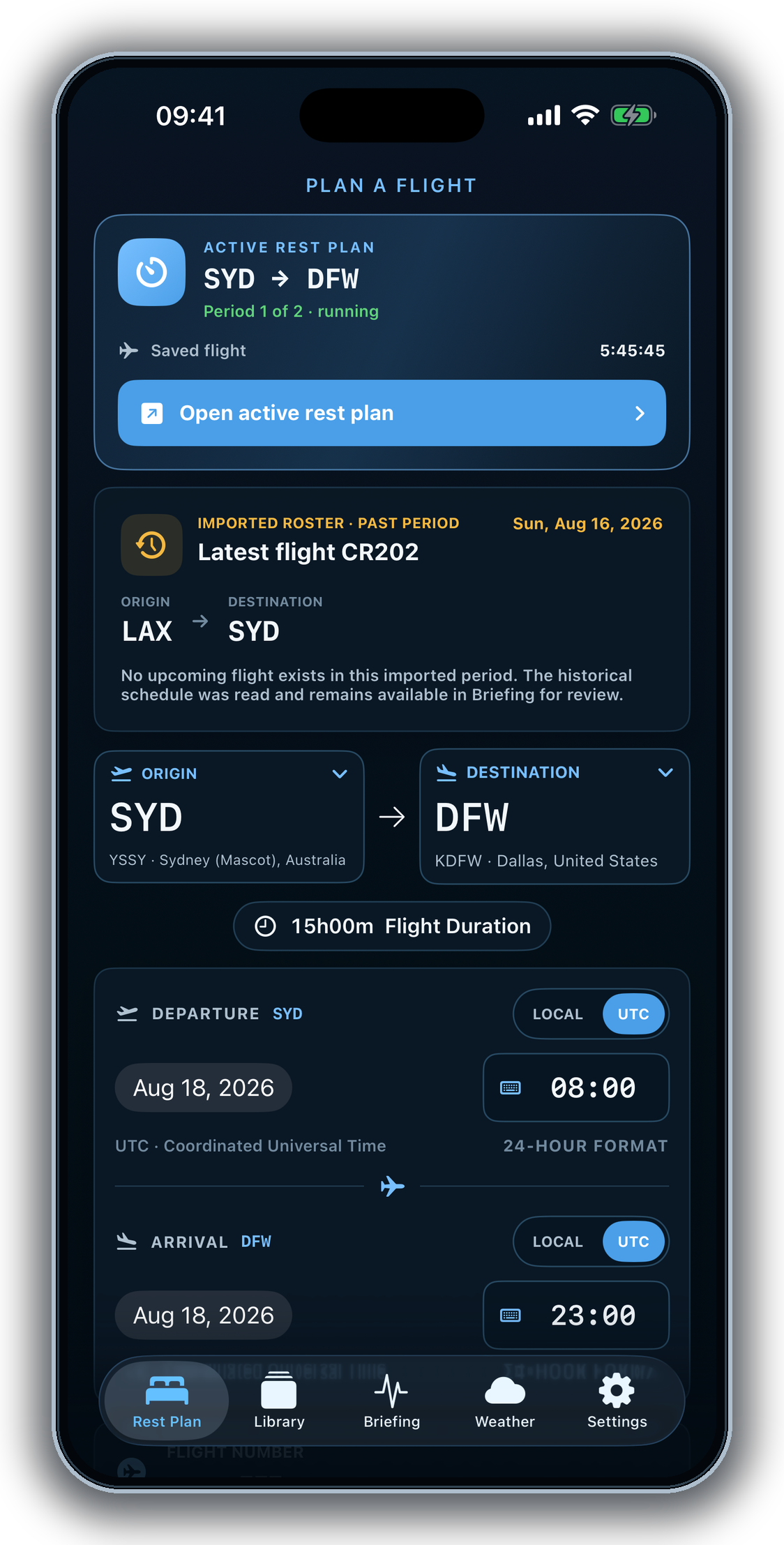
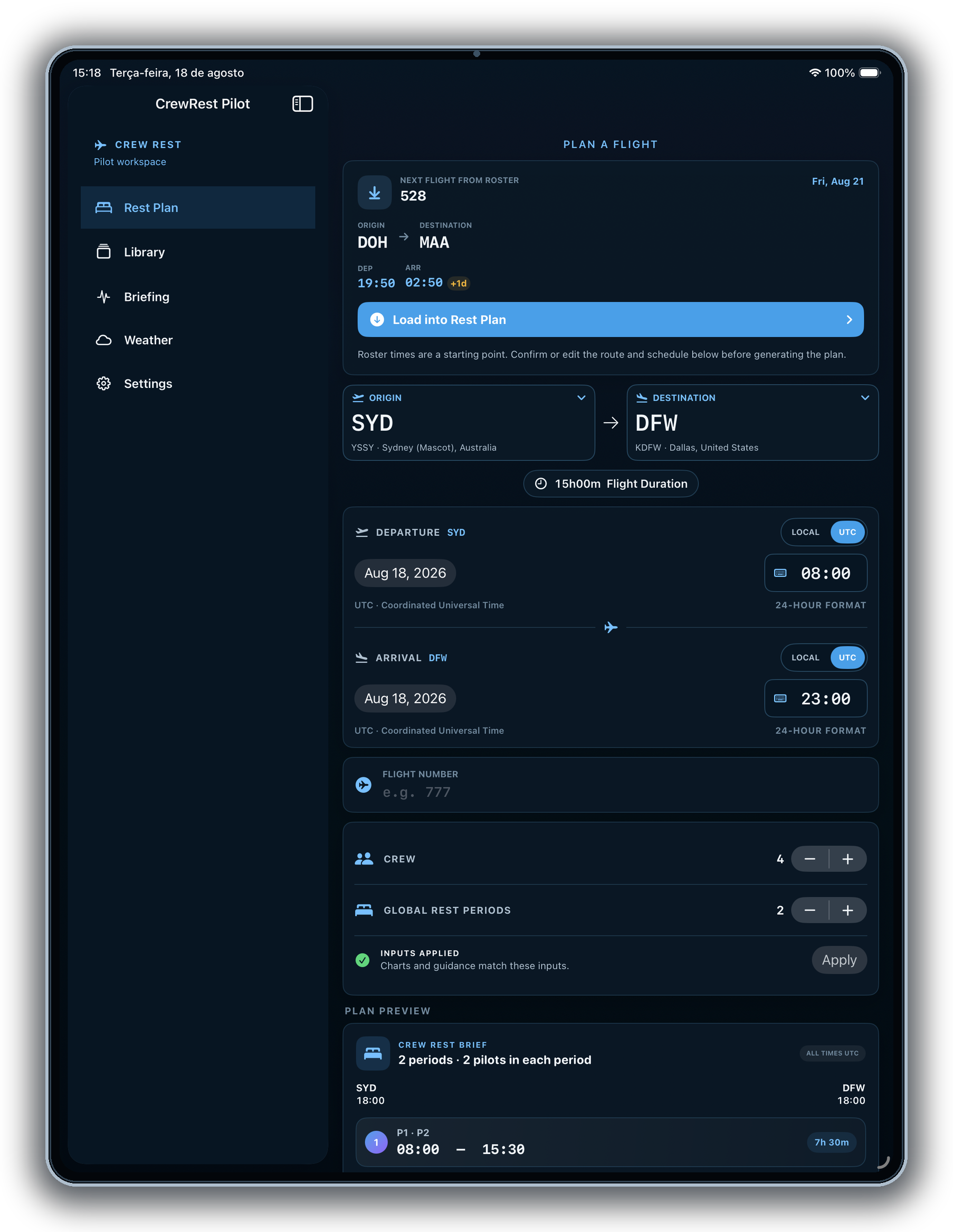
Build clear rest plans in minutes. Structured inputs, schedule checks, and automated periods.
Support recovery planning with time-zone context, schedule-based insights, and transparent informational guidance.
Weather and ops insights in context so you can plan with confidence.
Designed for pilots and crews to keep rest planning clear, practical, and easy to review.
Your plans and data stay private and secure. On your device, on your terms.
Privacy policyQuestions, feedback, or partnership inquiries? We'd love to hear from you.
Contact VanguardTHE BRIEFING
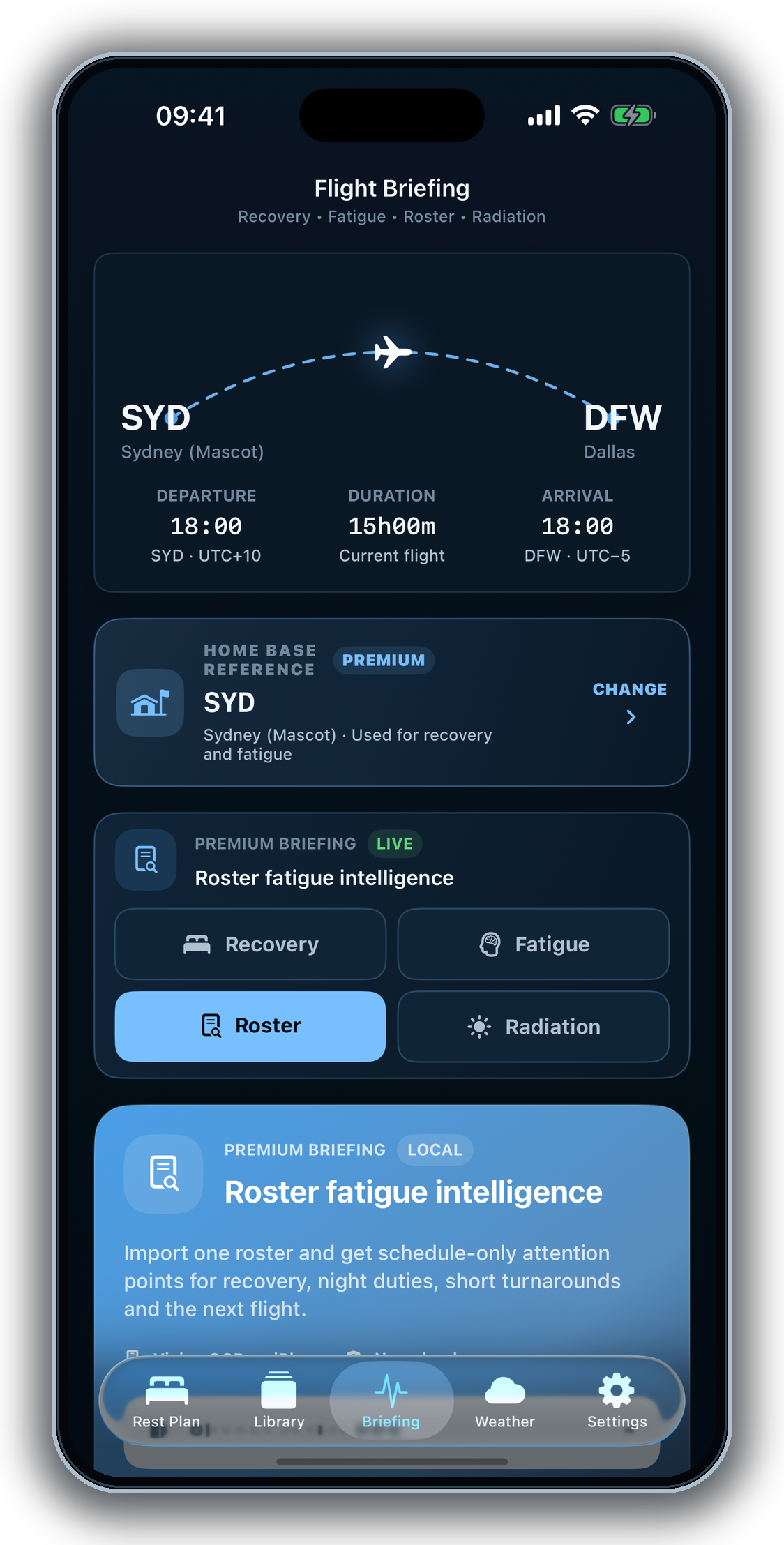
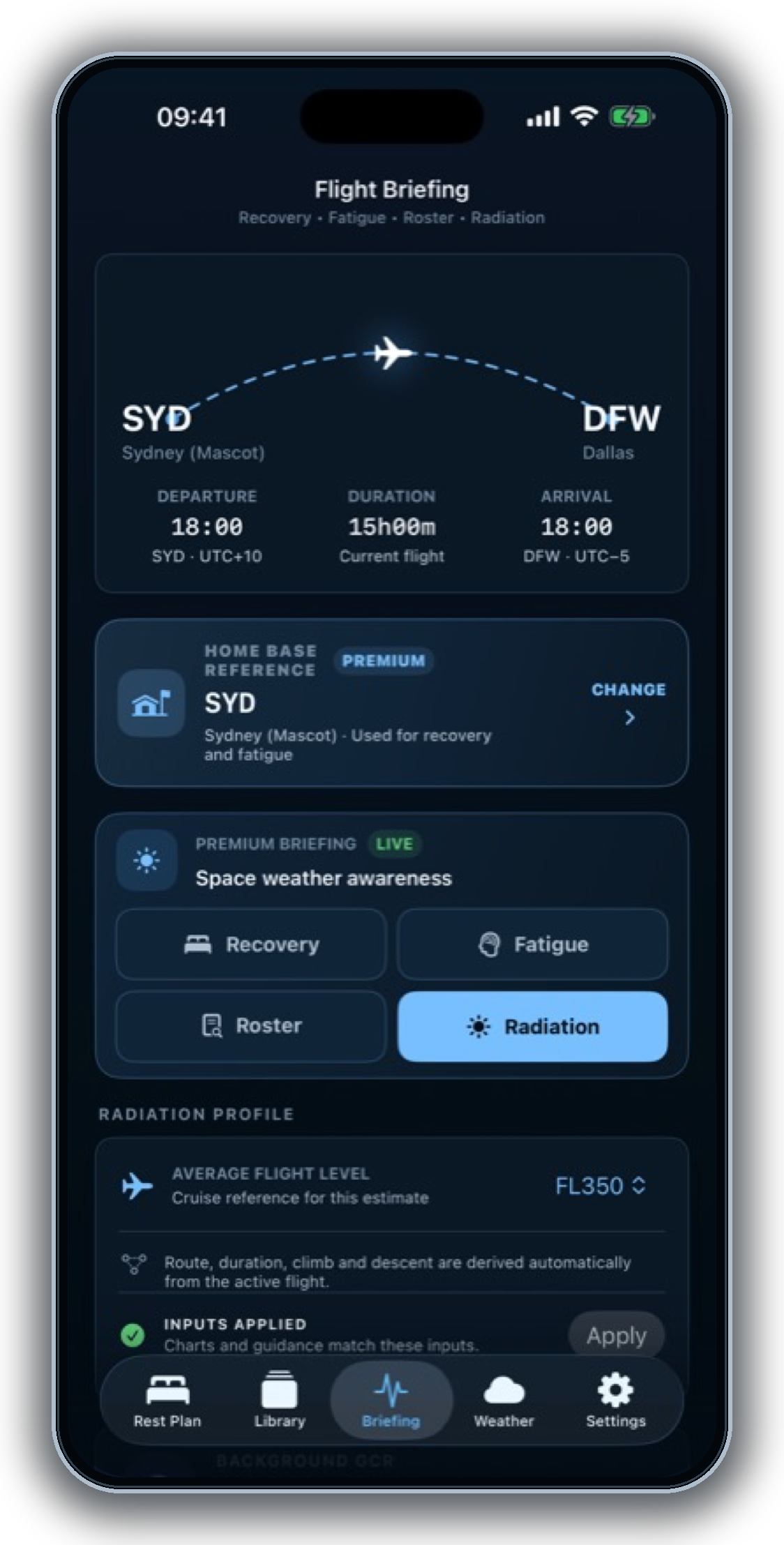
CrewRest Pilot brings airport lookup, UTC or local scheduling, roster import, crew assignments, rest periods, recovery context, and sharing into one focused workspace. Import a roster once, review the next flight and attention points, then carry that context into Briefing, Recovery, Fatigue, Weather, and the active rest plan.
IPHONE EXPERIENCE
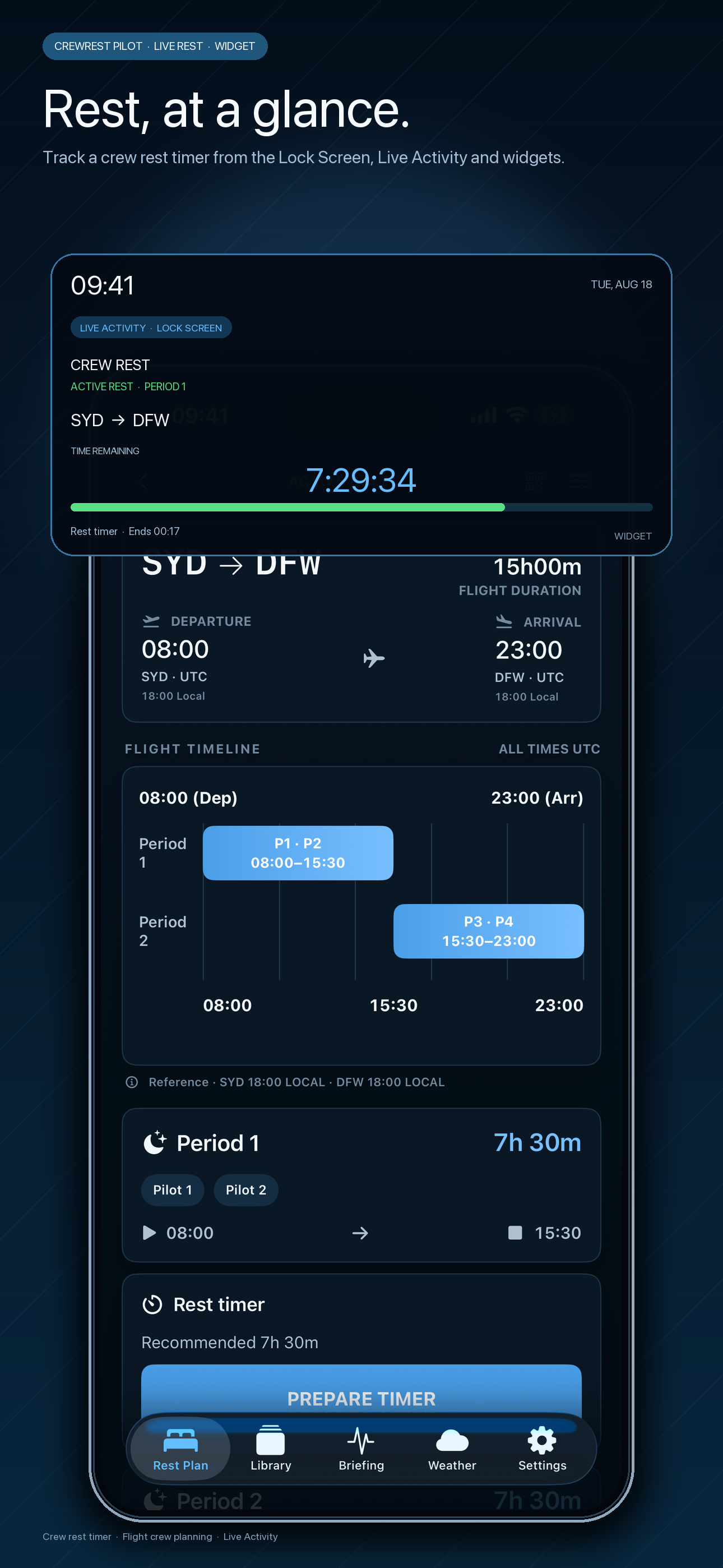
Set up a route or load the next flight from your roster, build rest periods, and keep Briefing, Weather, Live Activity, widgets, and the crew handoff close at hand.
IPAD EXPERIENCE
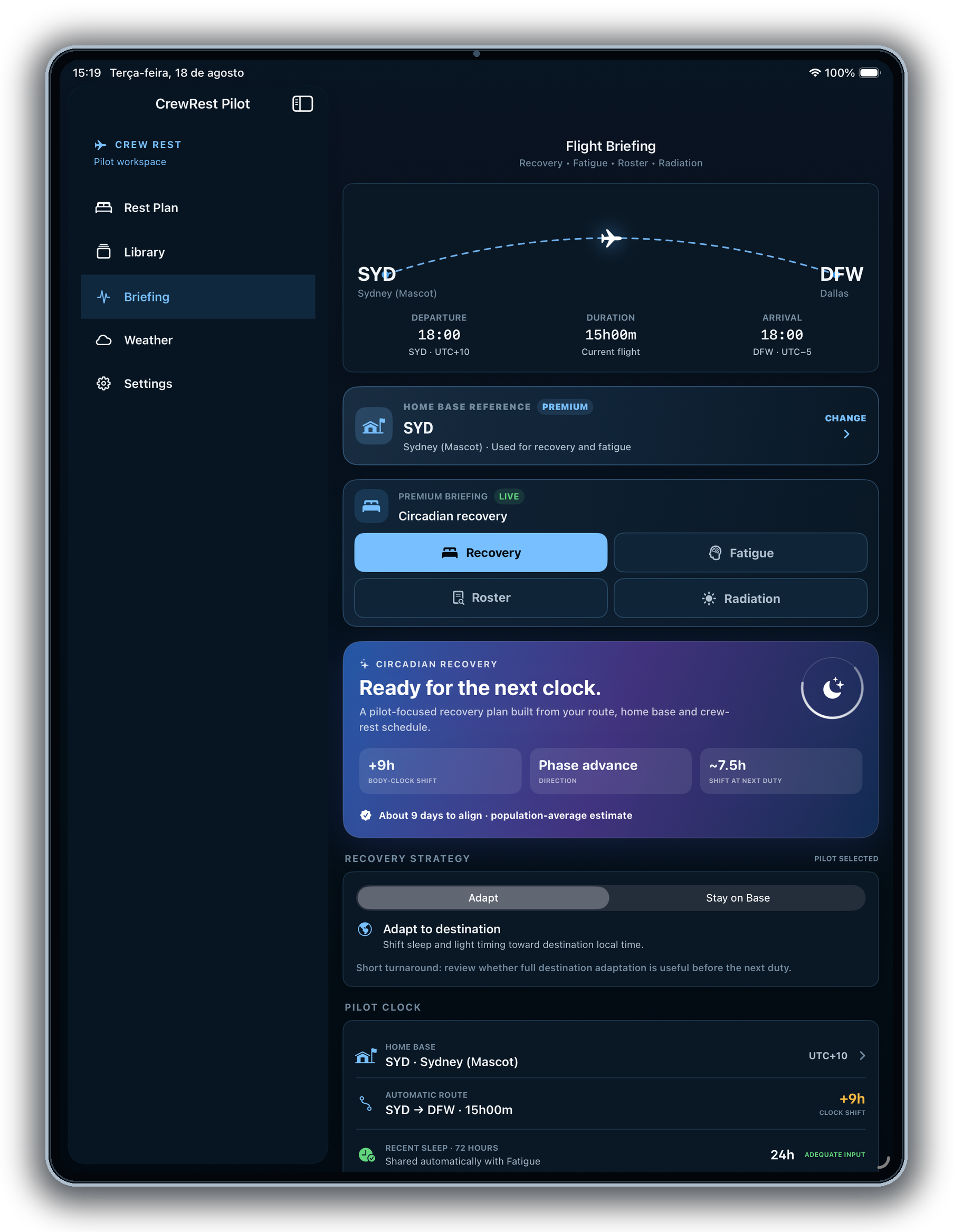
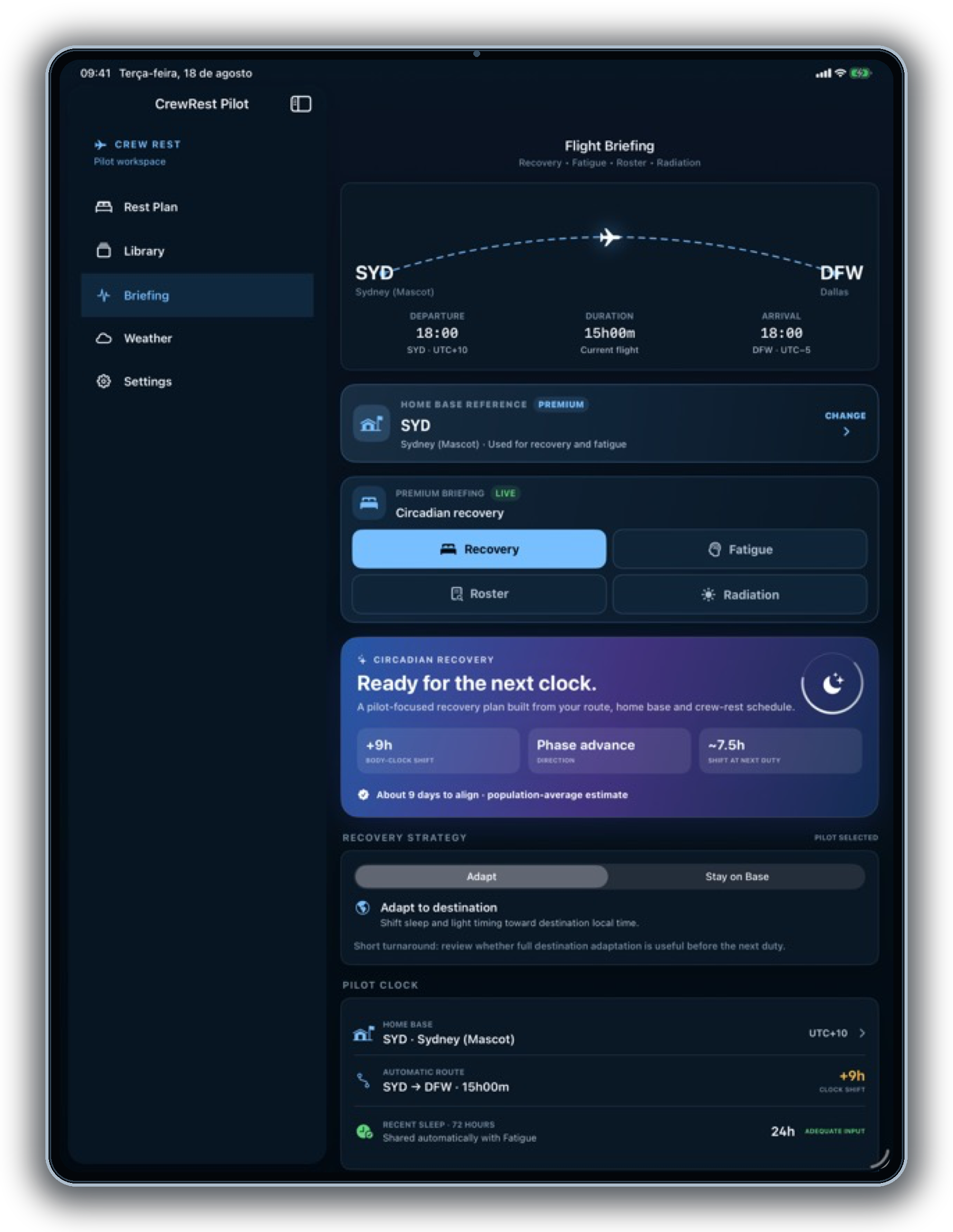
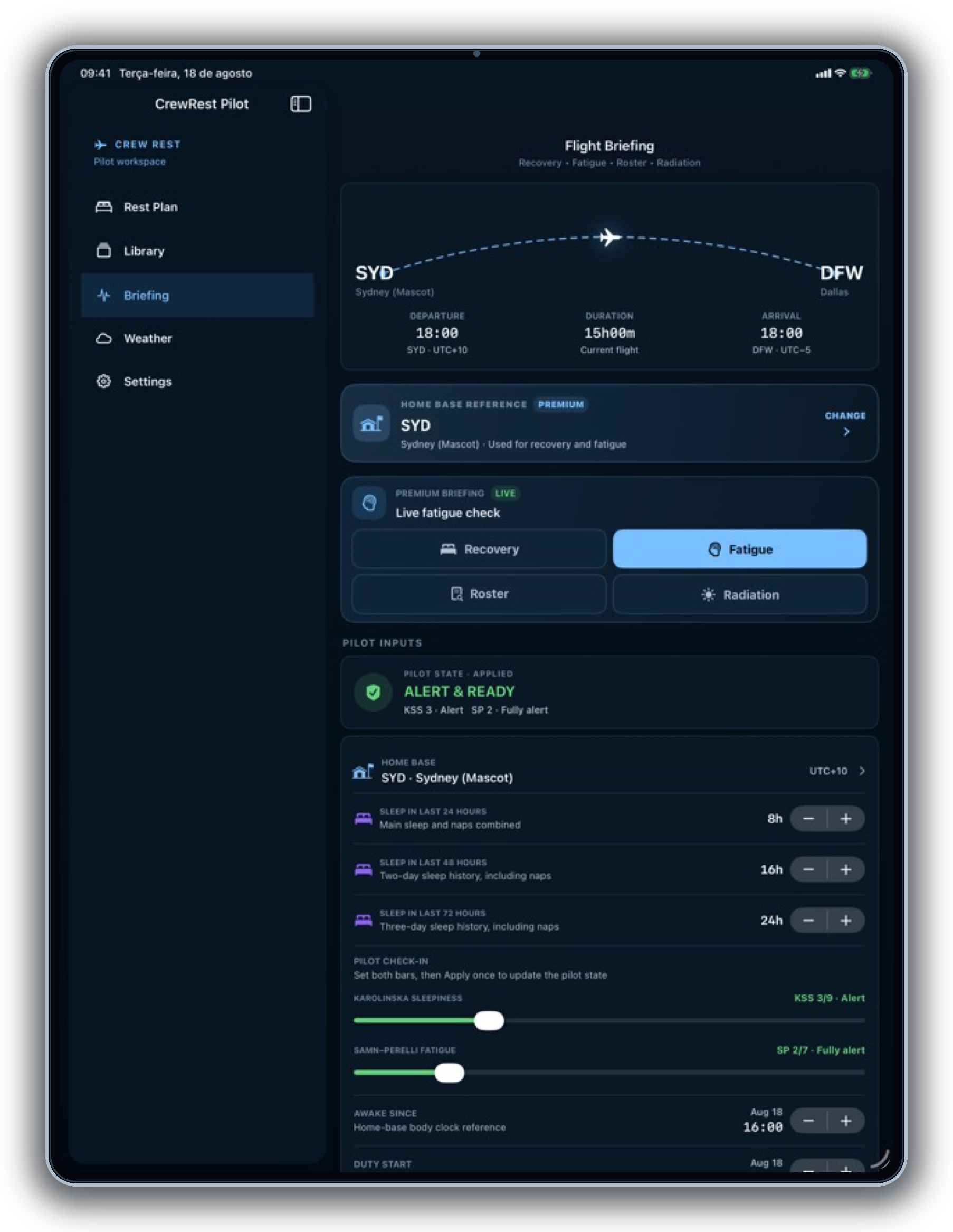
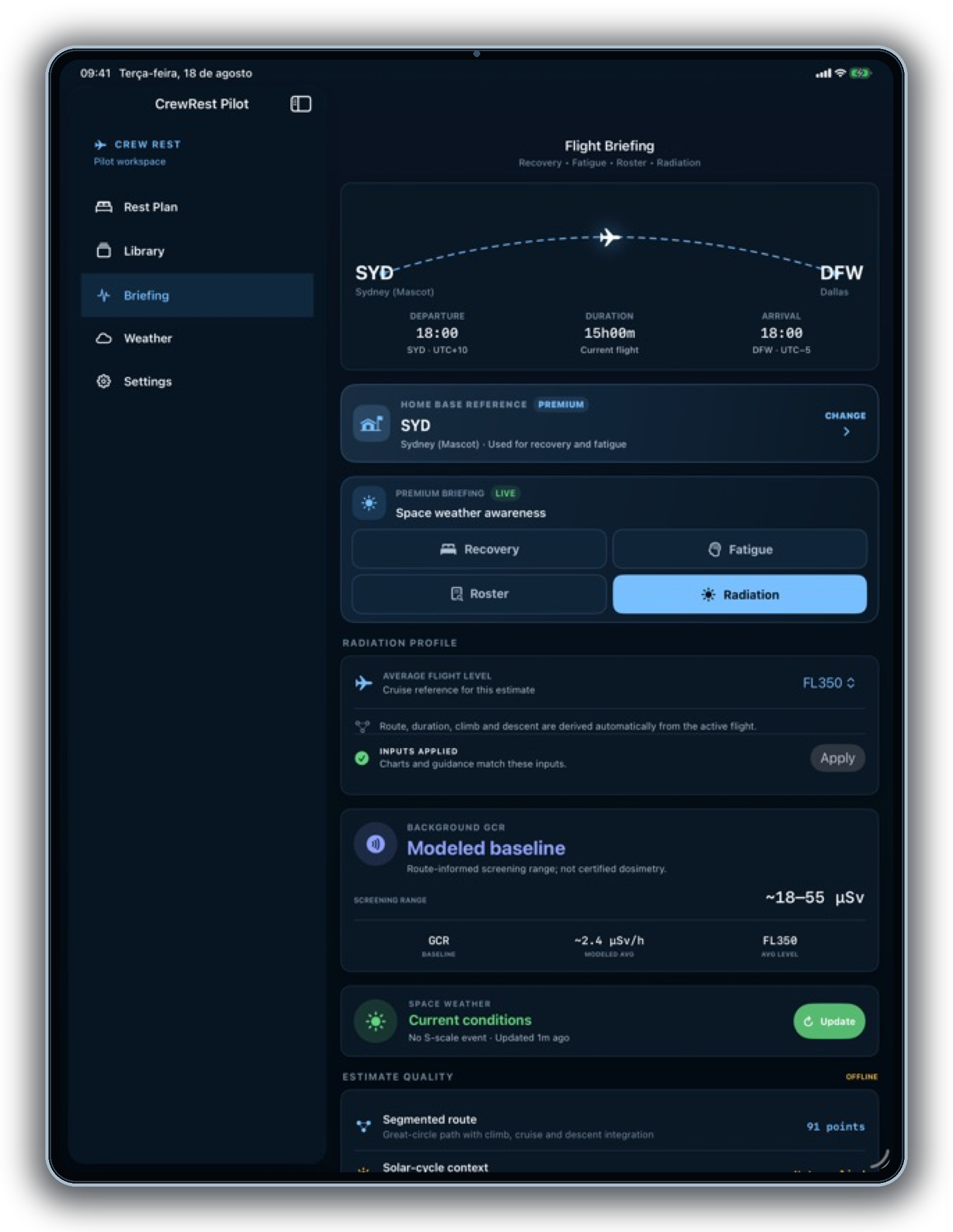
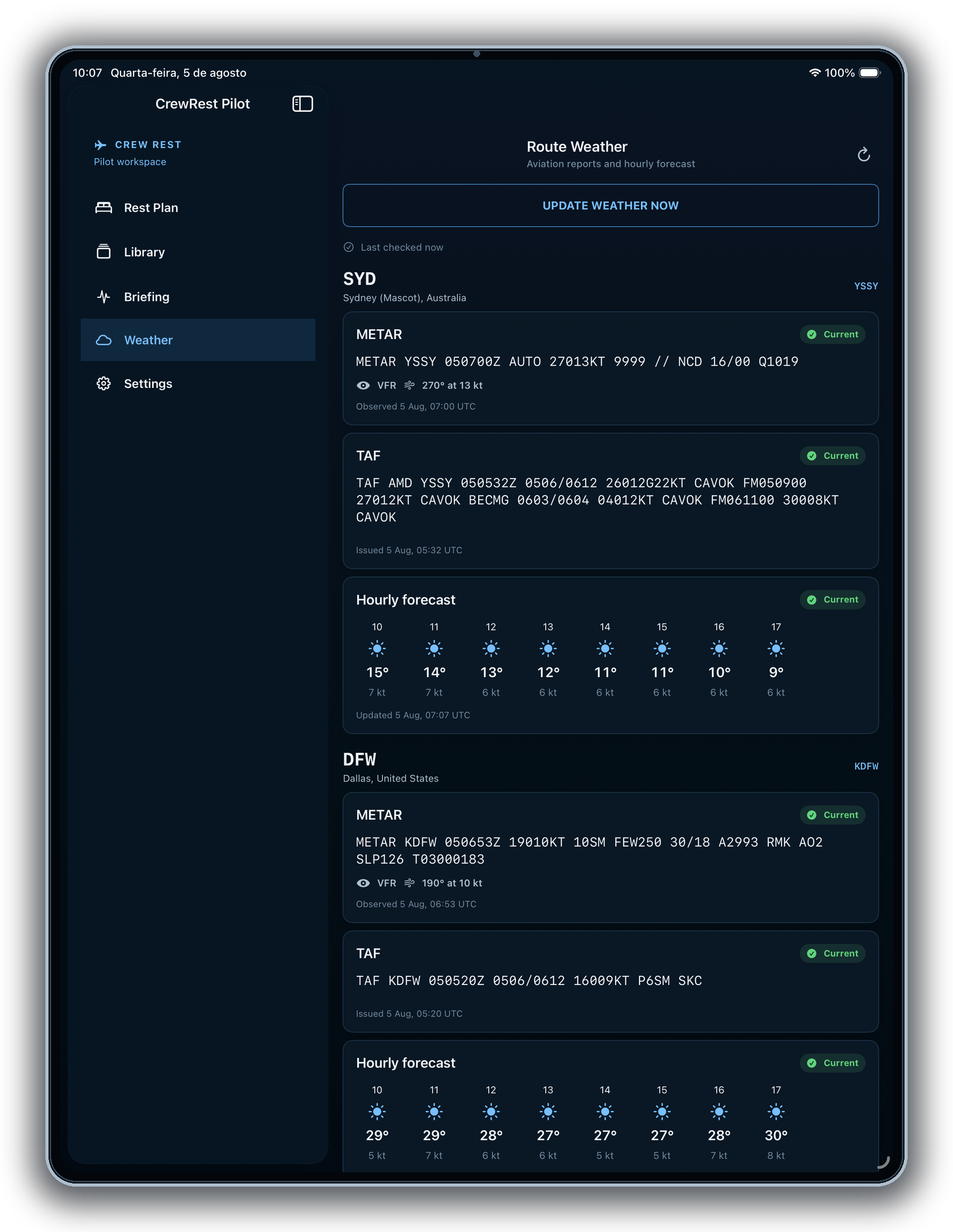
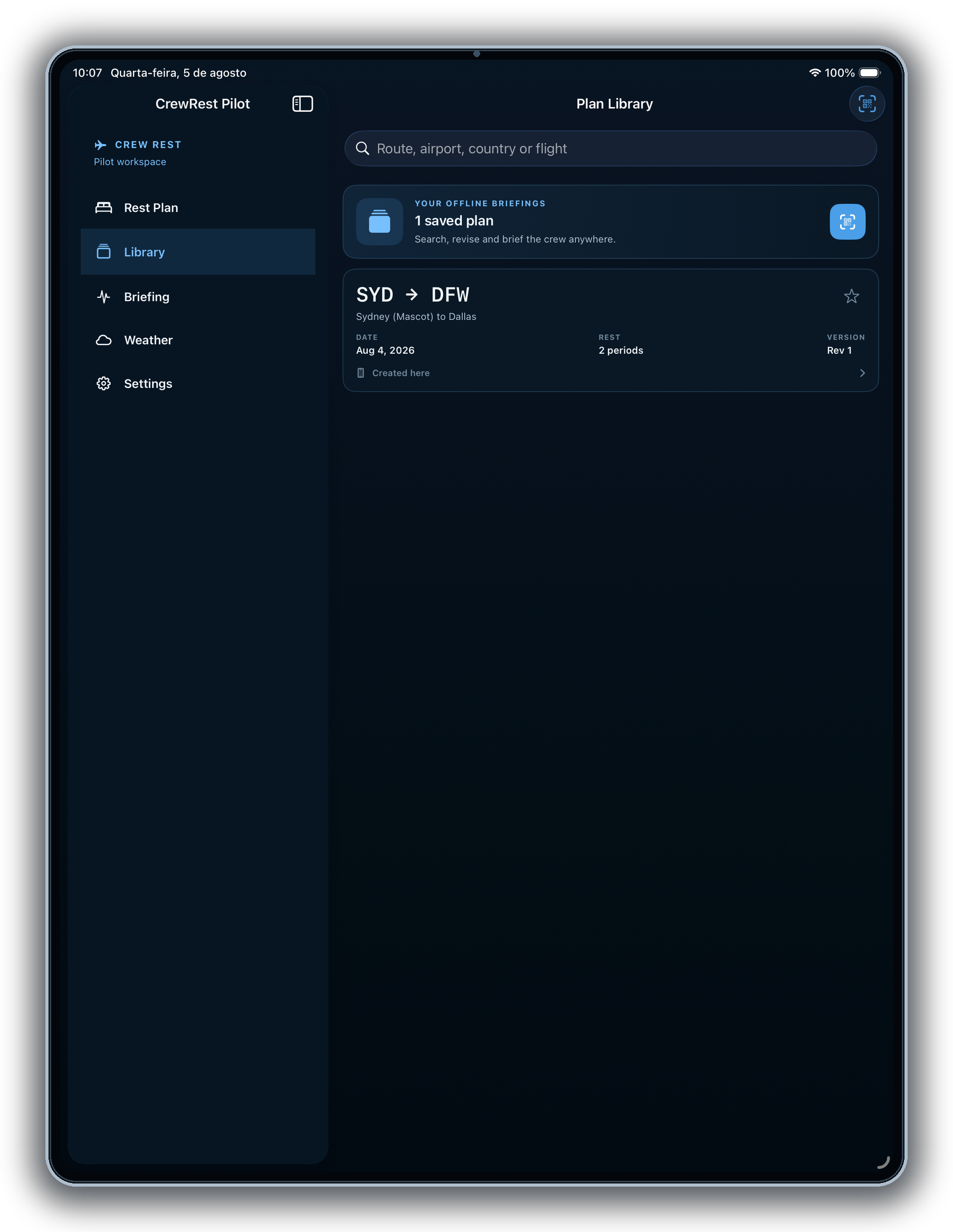
A spacious workspace for loading the next roster flight, reviewing a live rest plan, and carrying the same operational context into Briefing, Weather, and Crew Sync.
APPLE WATCH EXPERIENCE
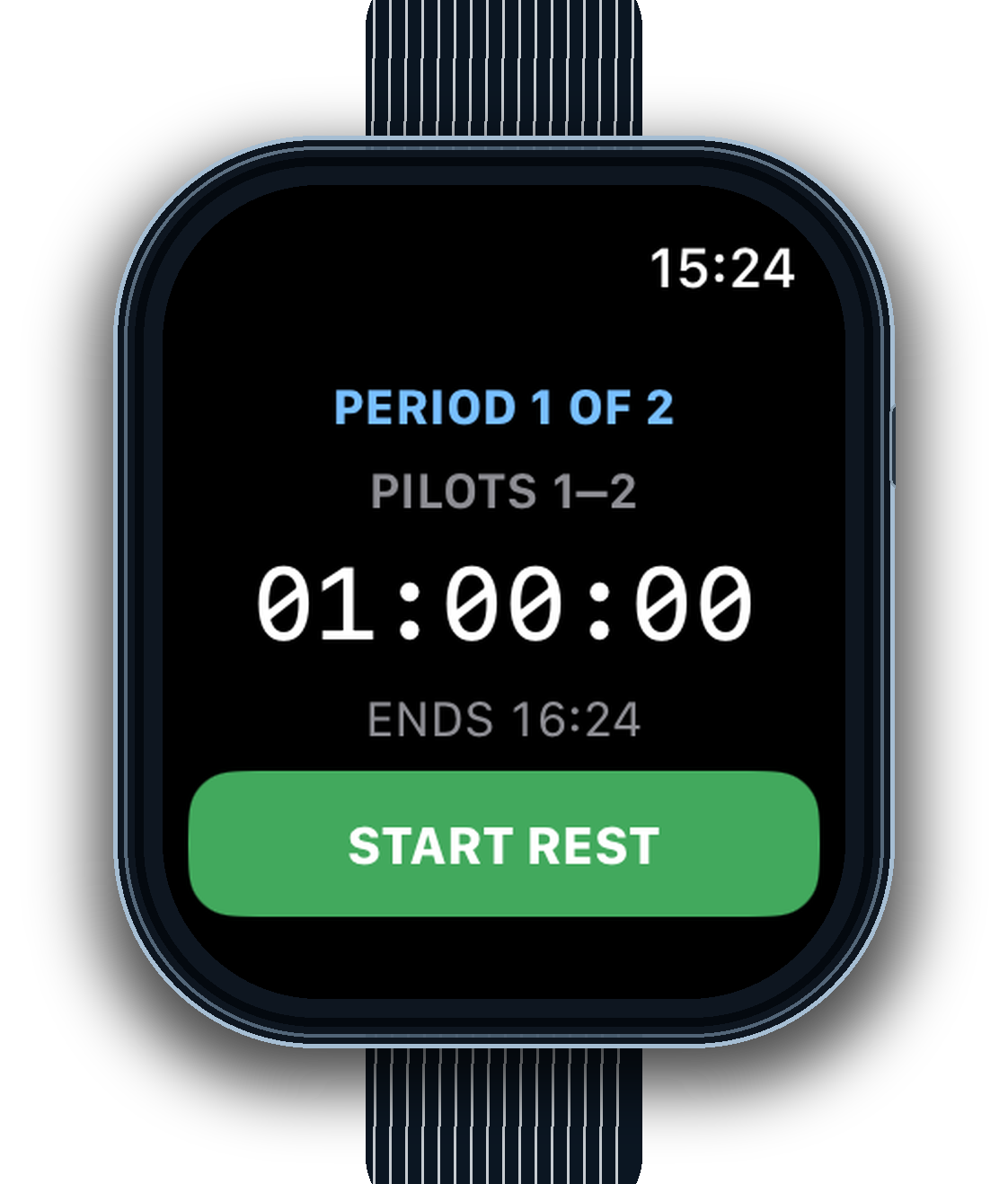
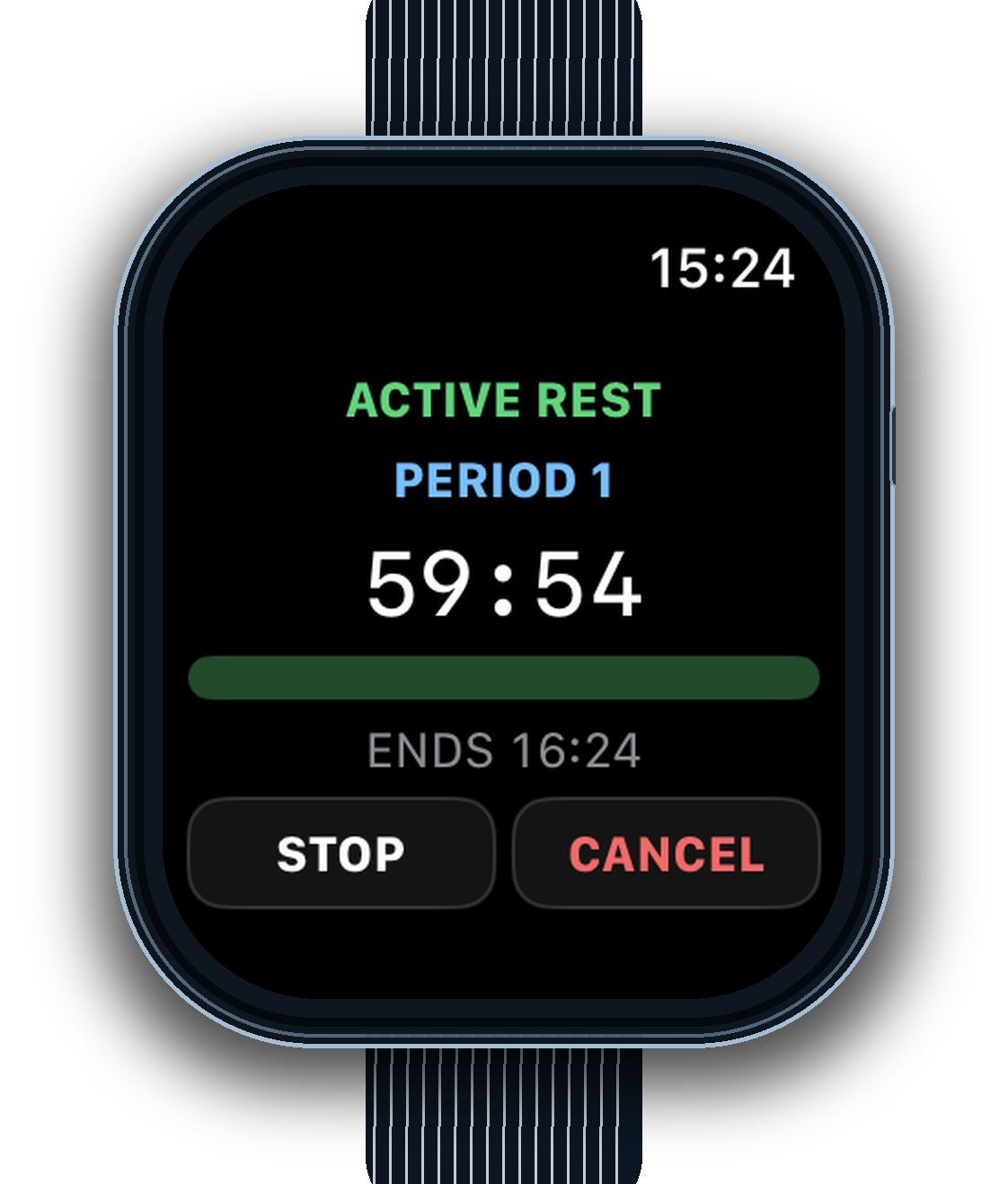
Start, monitor, stop, or cancel a rest period from your wrist while the iPhone, Live Activity, and widgets stay in sync.
BUILT FOR AVIATION
Quiet tools for high-consequence days. Clear inputs, transparent outputs, and a plan you can explain to the next person.
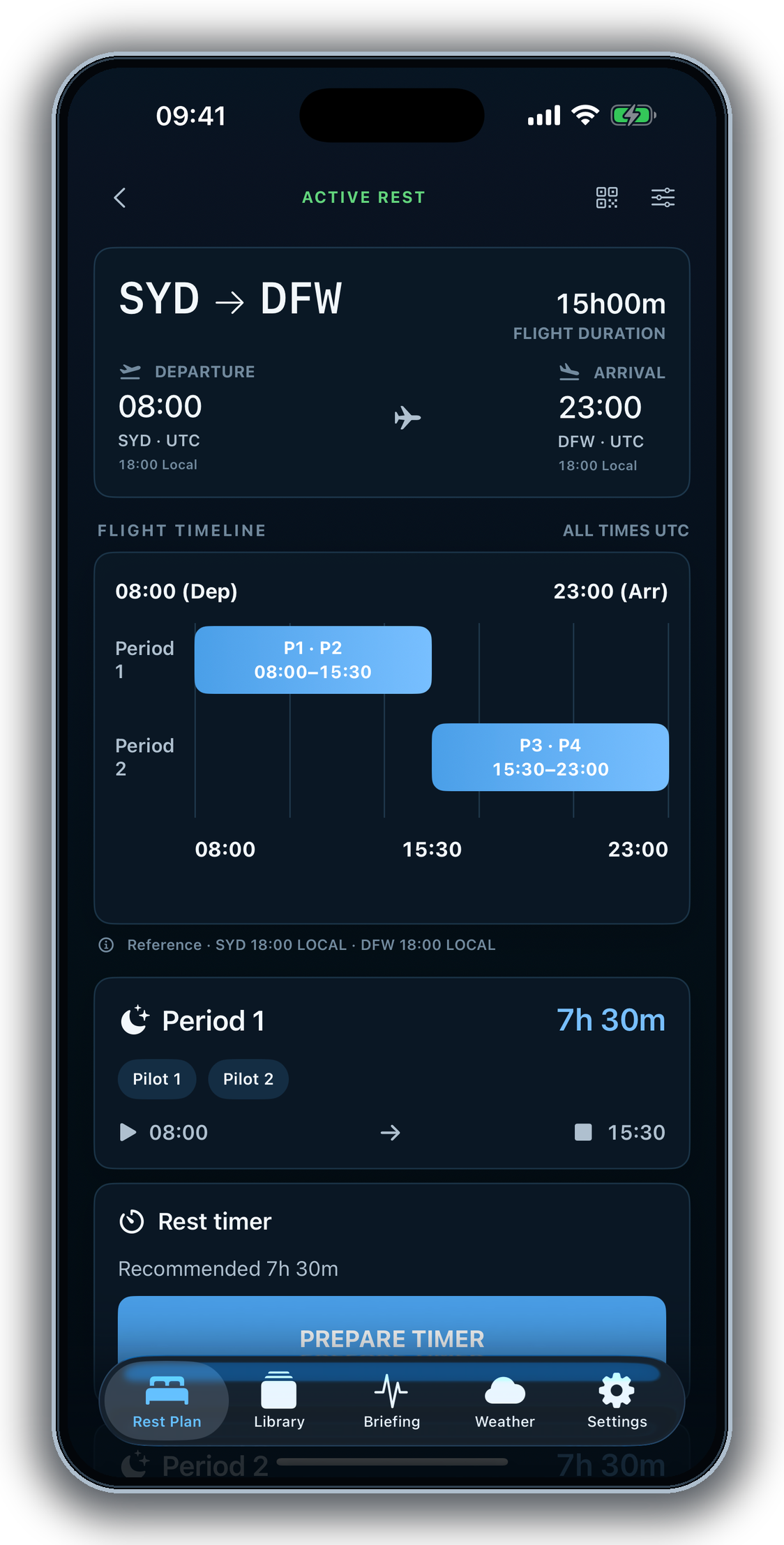
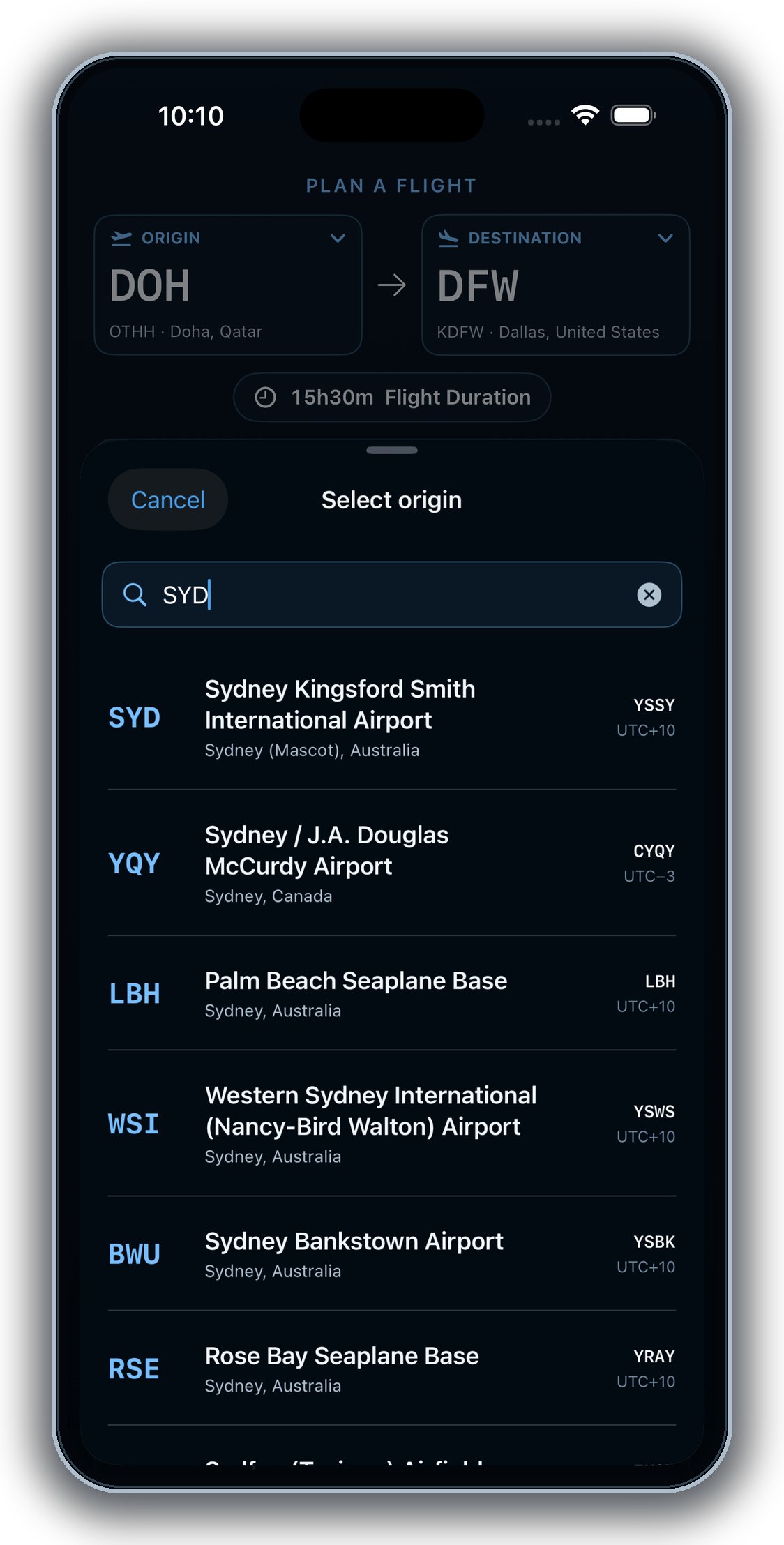
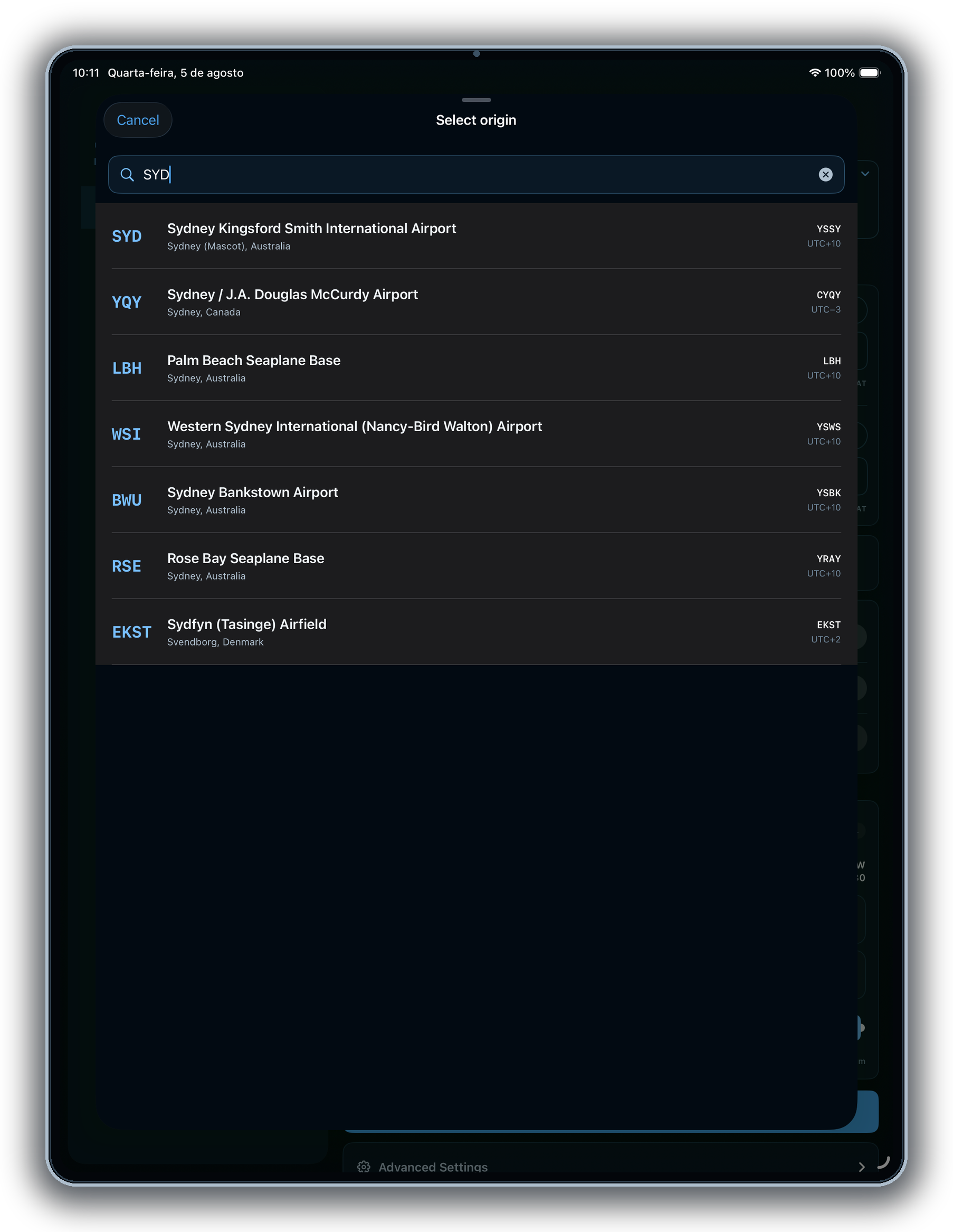
Search airports offline, work in UTC or local time, and generate a rest plan that stays easy to follow.
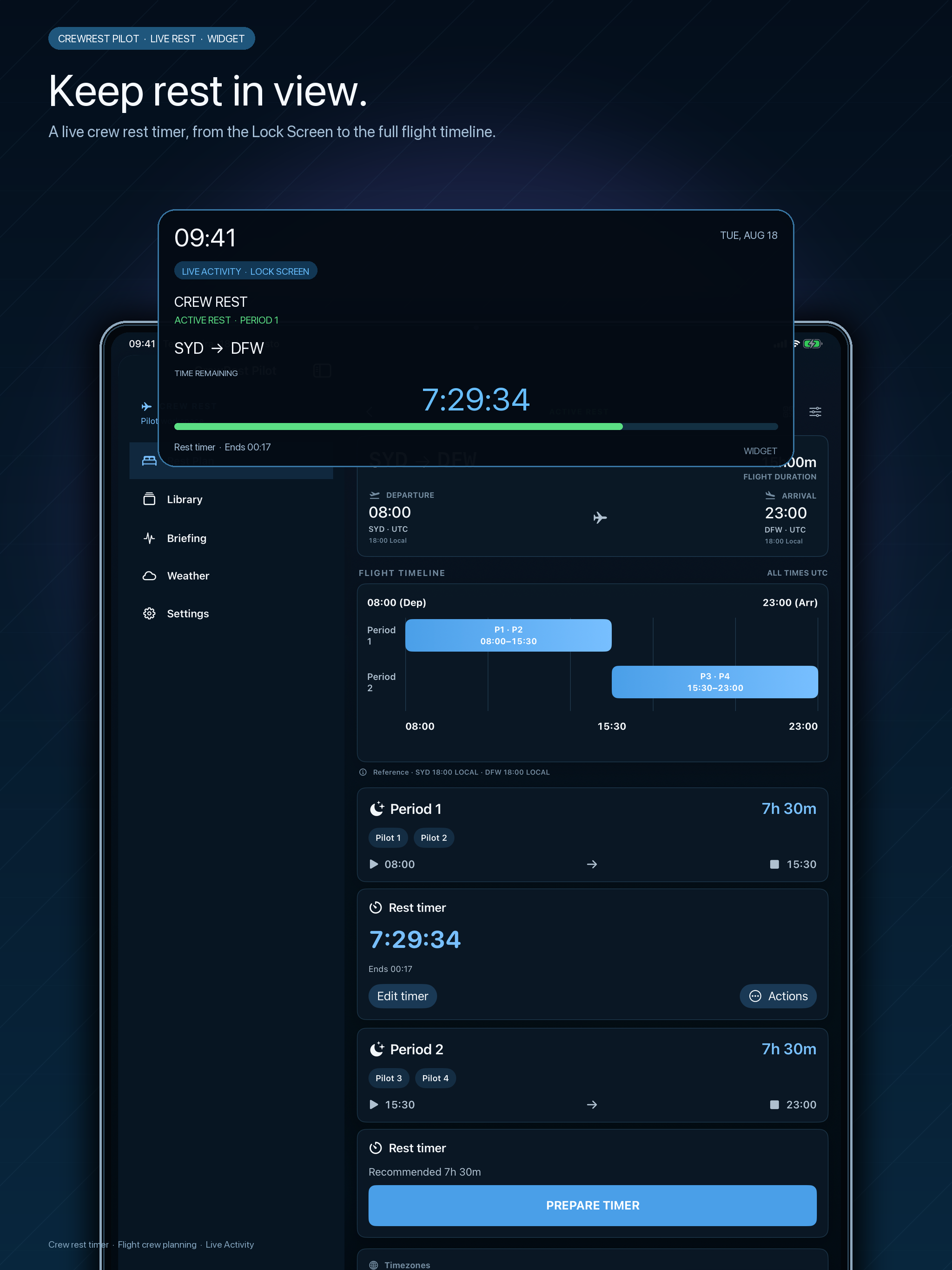
Every rest period has its planned duration. Start, adjust, end, or cancel when the operation calls for it.
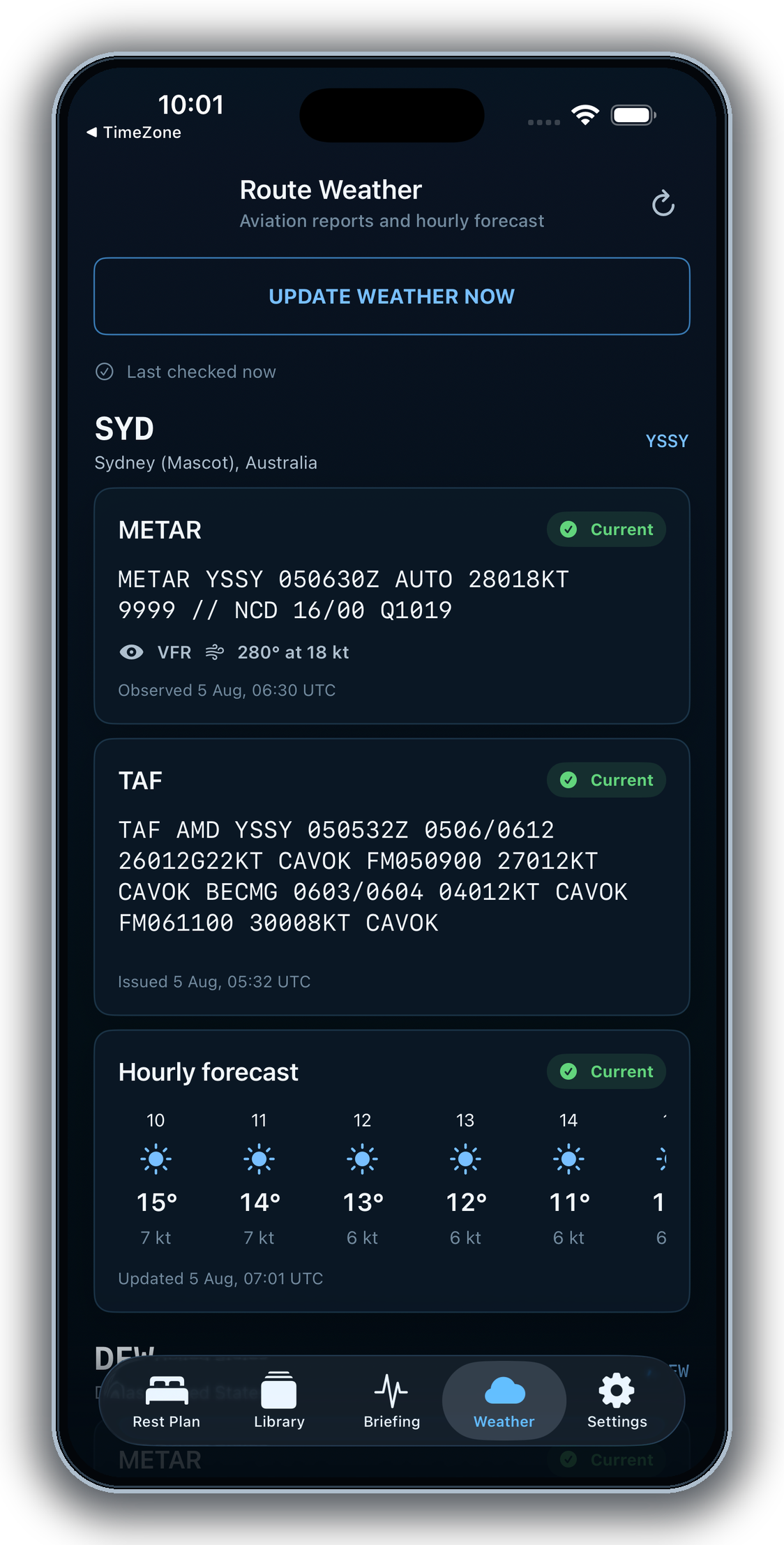
Keep route weather, available METAR and TAF information, and time-zone context close to the briefing.
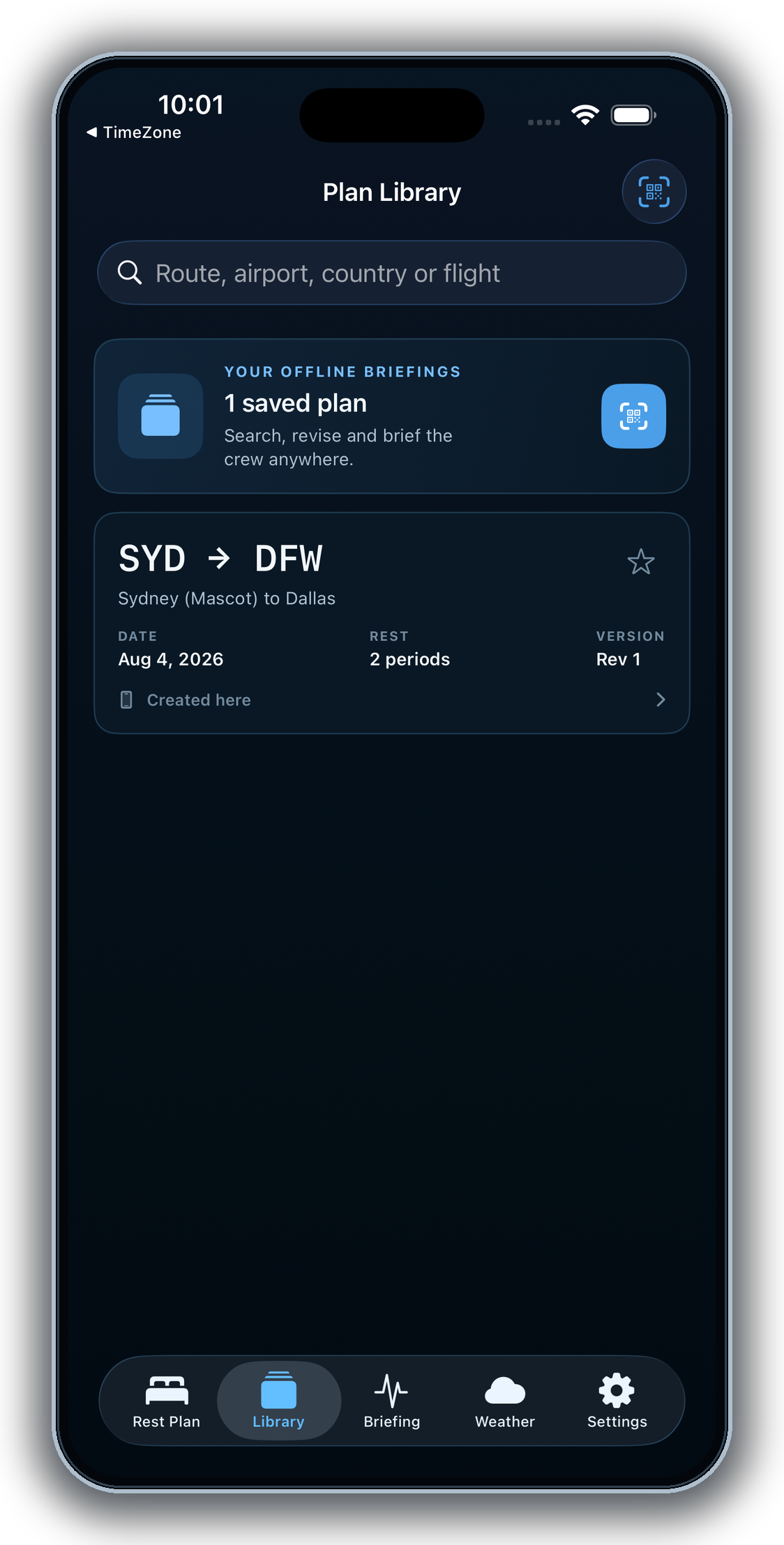
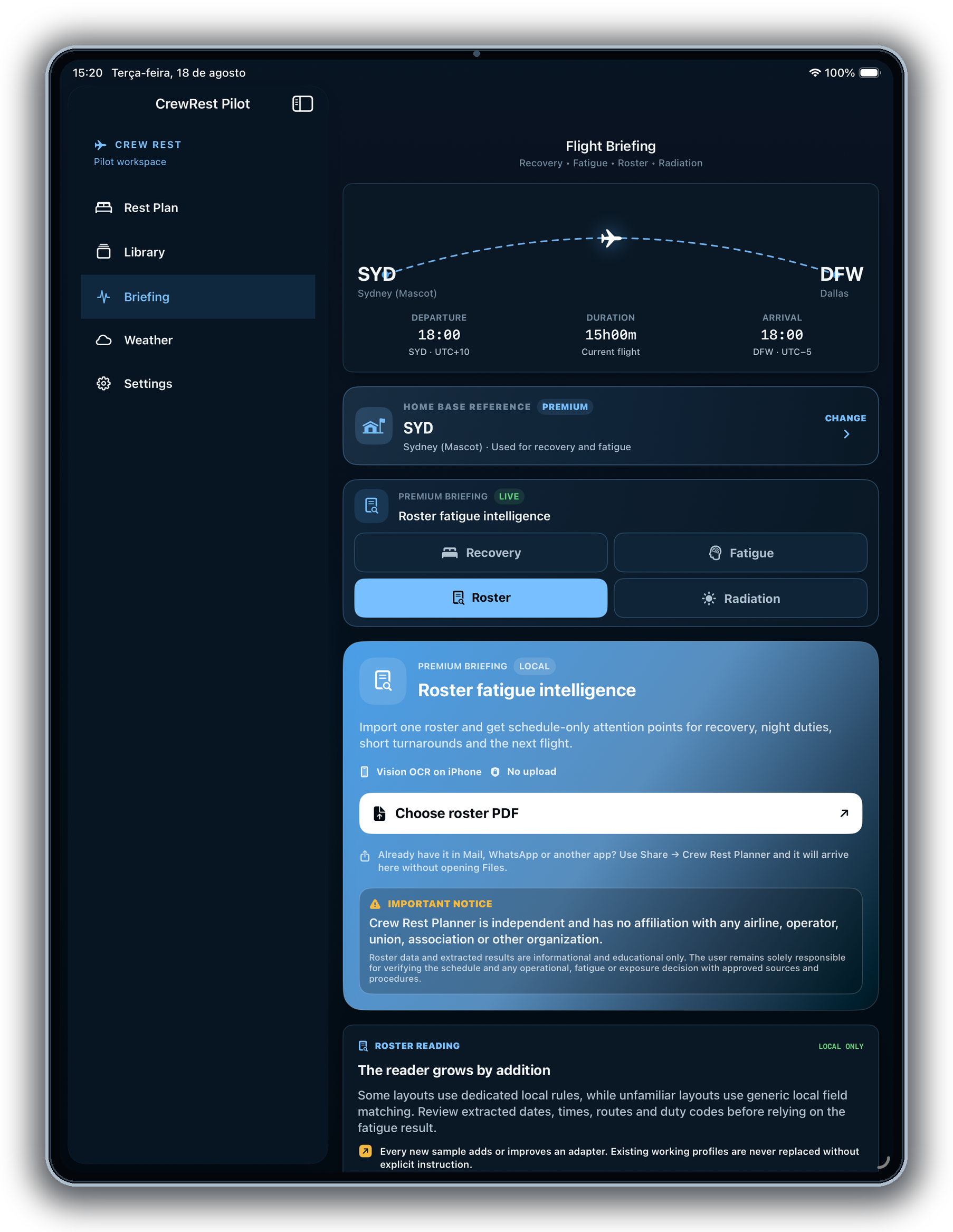
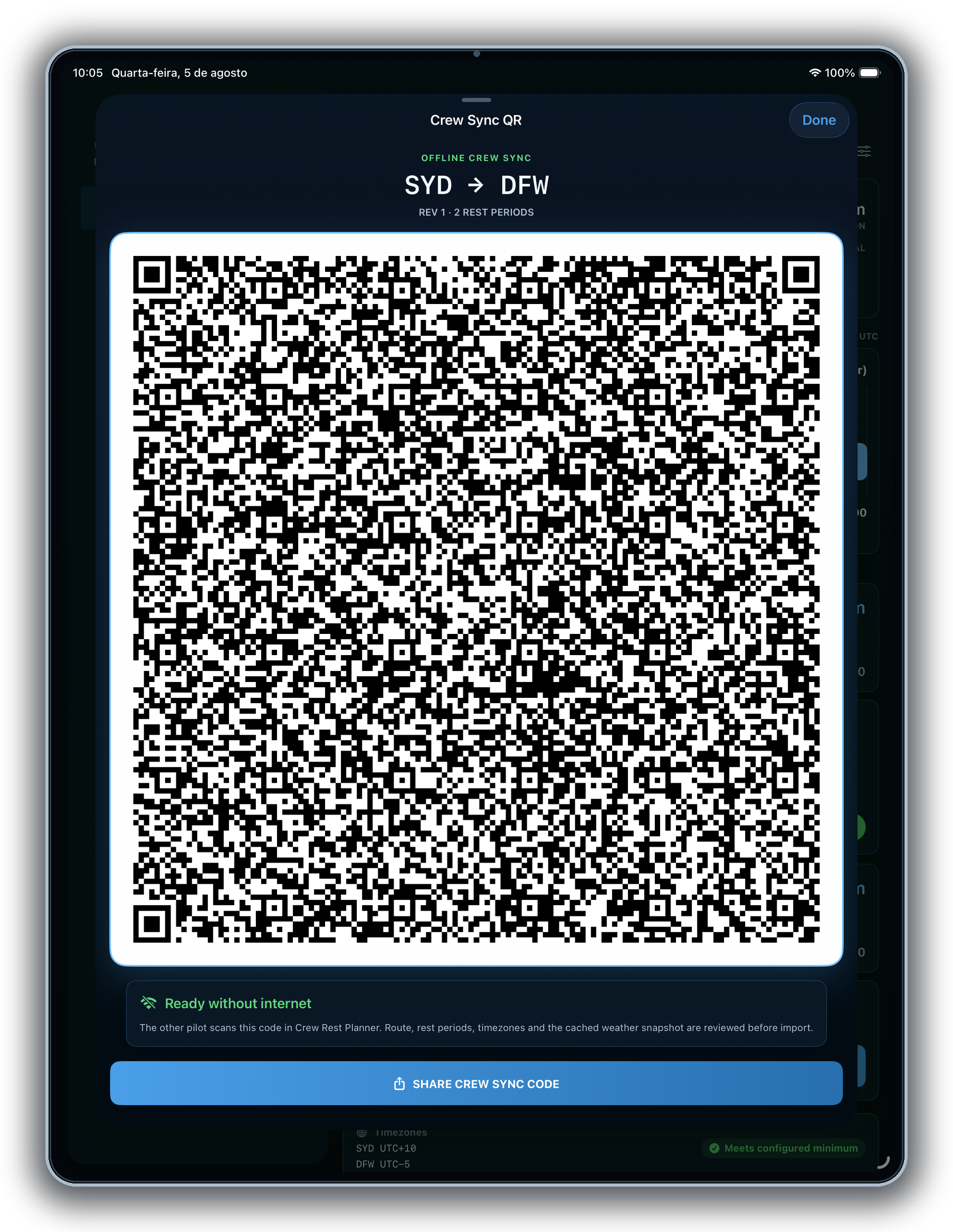
Import a roster, review the next flight in Briefing, then share the same plan by PDF, AirDrop, or offline Crew Sync QR.
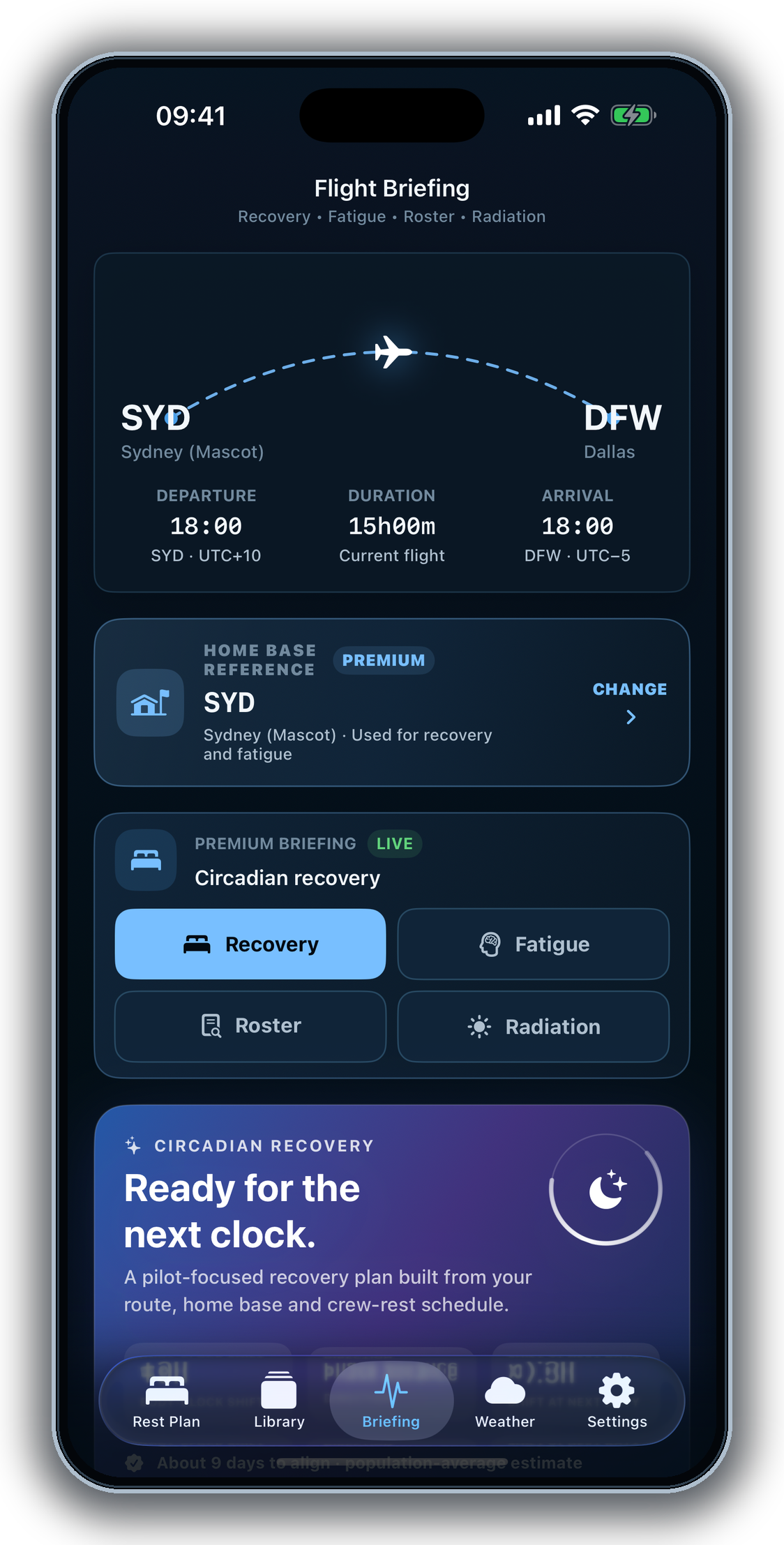
FLIGHT BRIEFING
Use CrewRest Pilot as a focused planning and awareness companion — never as a replacement for company manuals, approved limitations, official weather products, or professional judgment.
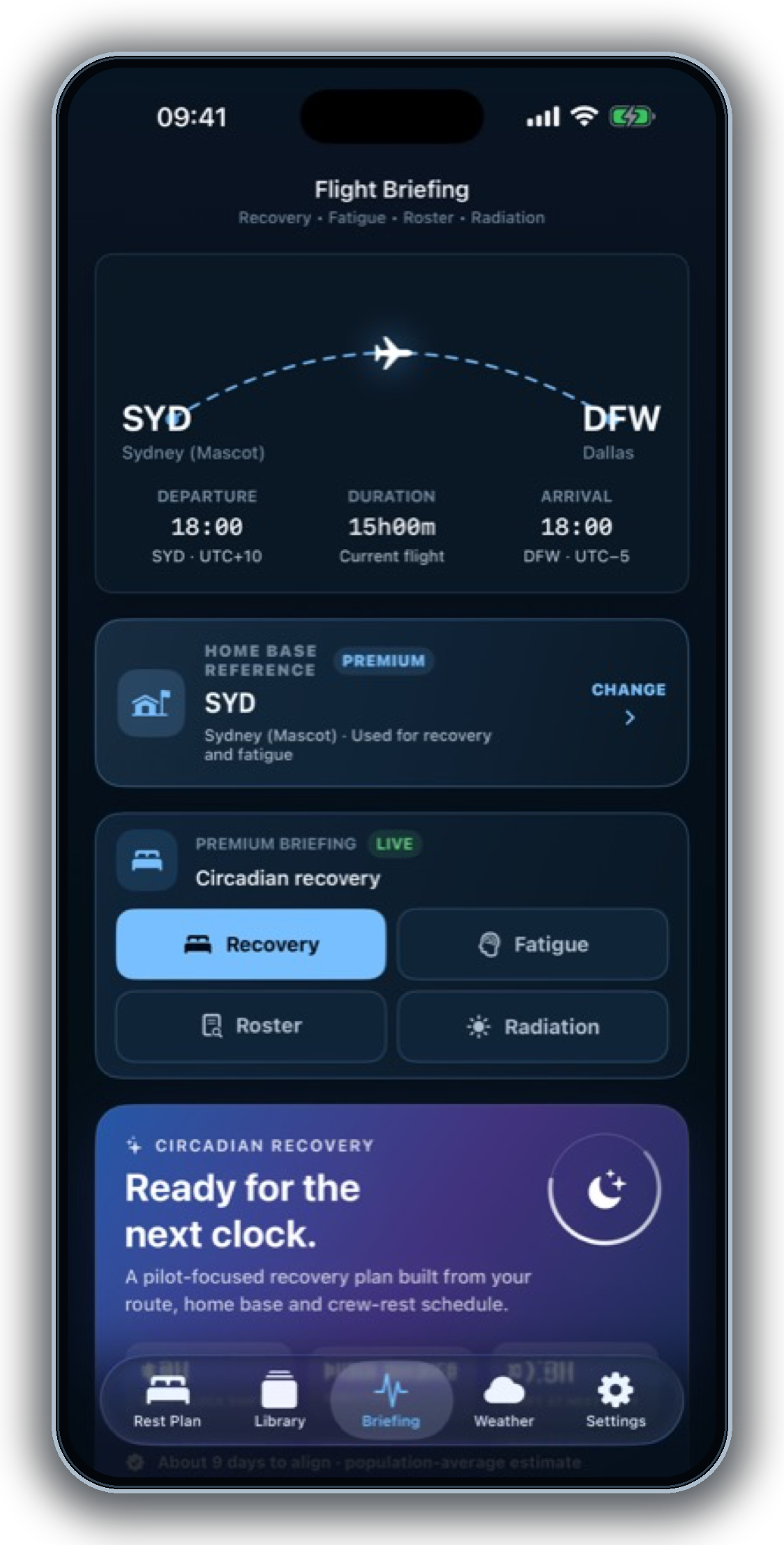
Organize protected sleep windows, destination time, home base, and the next duty in a practical timeline.
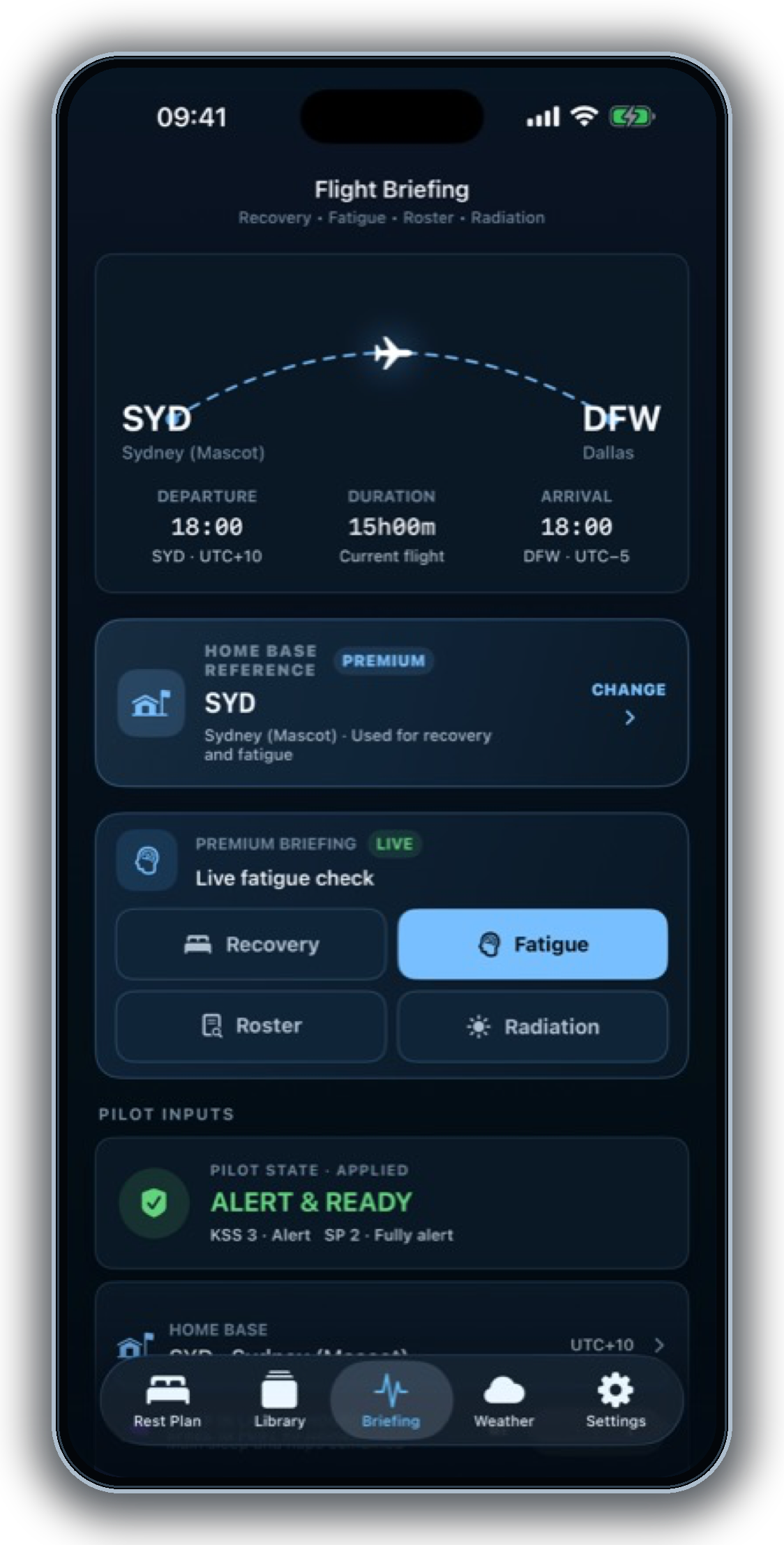
See recent sleep, time awake, WOCL exposure, and time-zone change together as informational context.
Review a route-informed estimate with clear language about what it is — and what it is not.
Import a roster once, review schedule-only attention points, load the next flight into Rest Plan, and carry the route into Recovery, Fatigue, Weather, and Crew Sync.
CREWREST IN MOTION
Two quick looks at a calmer way to plan, brief, and coordinate crew rest—designed for the flight deck and the Apple ecosystem.
Turn flight details into a crew-ready rest timeline.
Keep the essential plan close from briefing to handoff.
FROM THE FLIGHT DECK
Short promotional hooks shaped around the planning, briefing, and handoff workflows shown in CrewRest Pilot.
“The timeline makes the rest plan easy to scan before briefing.”
Planning clarity
“The essential context stays together when the route gets busy.”
Crew briefing
“A clear plan is ready to pass to the next crew member.”
Operational handoff
Promotional feedback themes only; these are not customer reviews or endorsements.
PRIVACY · CLEARLY STATED
CrewRest Pilot does not collect data from the app. Most planning content remains on your device, and optional permissions are requested only when a feature needs them. Apple processes App Store purchases.
THE VANGUARD UNIVERSE
Nine products from Vanguard Studio, shown with their real artwork and the destinations available for each one.

WATCHLIST · CALENDAR
Discover series, save favorites, and keep every episode, season, and premiere date organized.

GLOBAL TIME · MARKETS
Compare time zones, plan meetings, and keep market hours close.

DOCUMENTS · PDF
Scan, read, convert, sign, protect, and organize files on iPhone and iPad.

PLANNING · HABITS · FOCUS
Bring tasks, events, habits, reminders, and your next small step into one calm daily view.

AVIATION · WEATHER
Aviation weather, planning tools, and flight context in one companion.

JOURNAL · REFLECTION
Capture entries, revisit the calendar, and keep a private journal organized.

CREW REST · BRIEFING
Build clear rest timelines, use ready timers, and share the crew plan.
DATES · DEADLINES
Calculate business days, deadlines, and international holidays in the browser.
CALCULATORS · WEB
Run financial, return, and health calculations directly in the browser.
VANGUARD STUDIO · SOCIAL
Feedback helps
shape what comes next.
Follow the studio for product notes, support, and the work behind the apps.